如何在 Windows Phone 上安装 VPN Unlimited 应用程序
为您的 Windows Phone 提供可靠的 VPN 保护,并以匿名方式上网冲浪,绝对没有任何限制。如何?只需在 Windows Phone 上安装 VPN 即可。本指南为您提供分步说明,帮助您开始使用 VPN Unlimited 应用程序并轻松管理它。
1.在 Windows Phone 上安装 VPN Unlimited
要在 Windows Phone 或更高版本上下载该应用程序,请转到以下页面,然后点击下载。
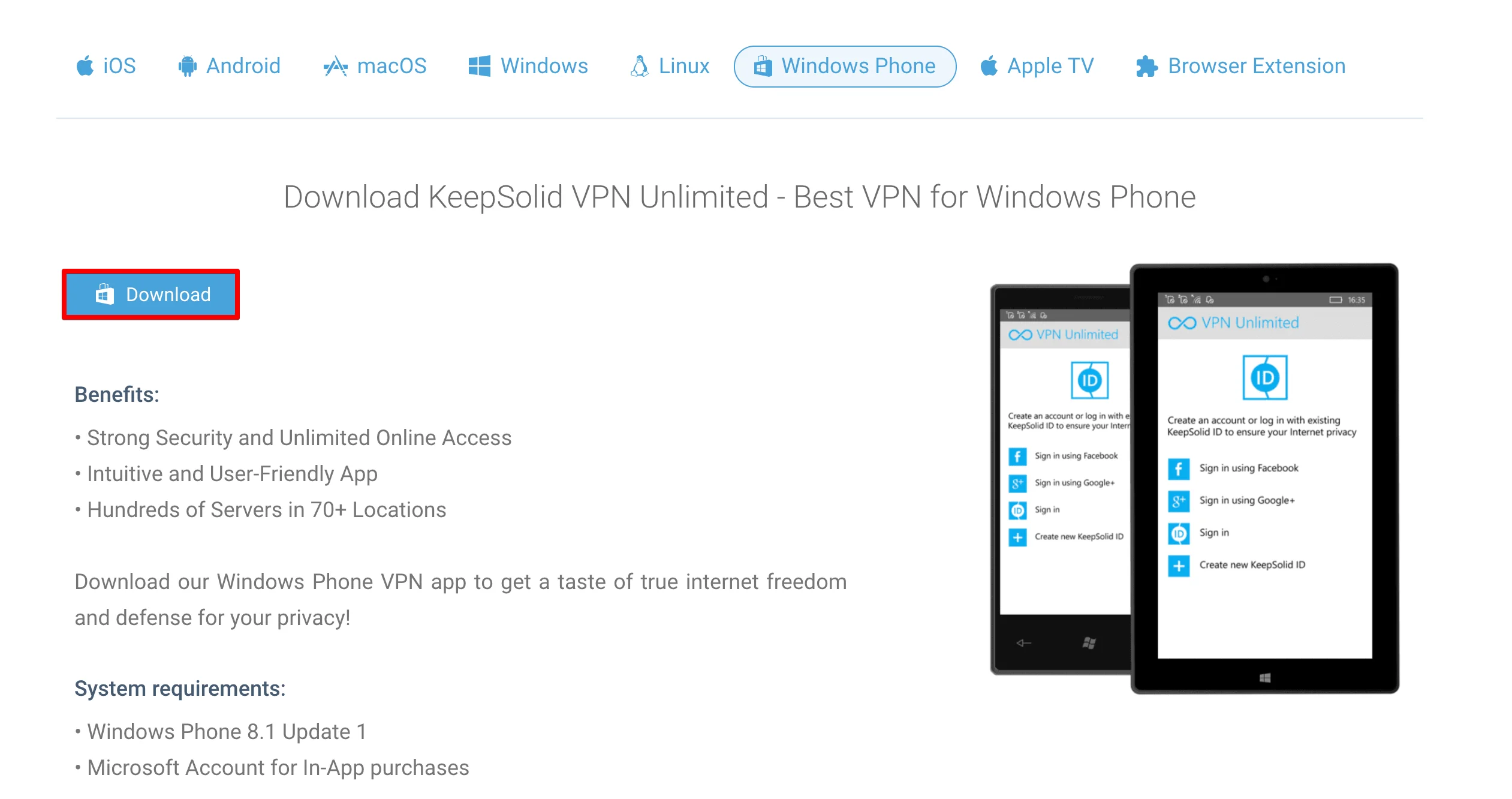
您将被转到 Windows Phone 应用商店中的 VPN Unlimited 应用页面。
点击安装即可获取适用于 Windows Phone 的安全应用。
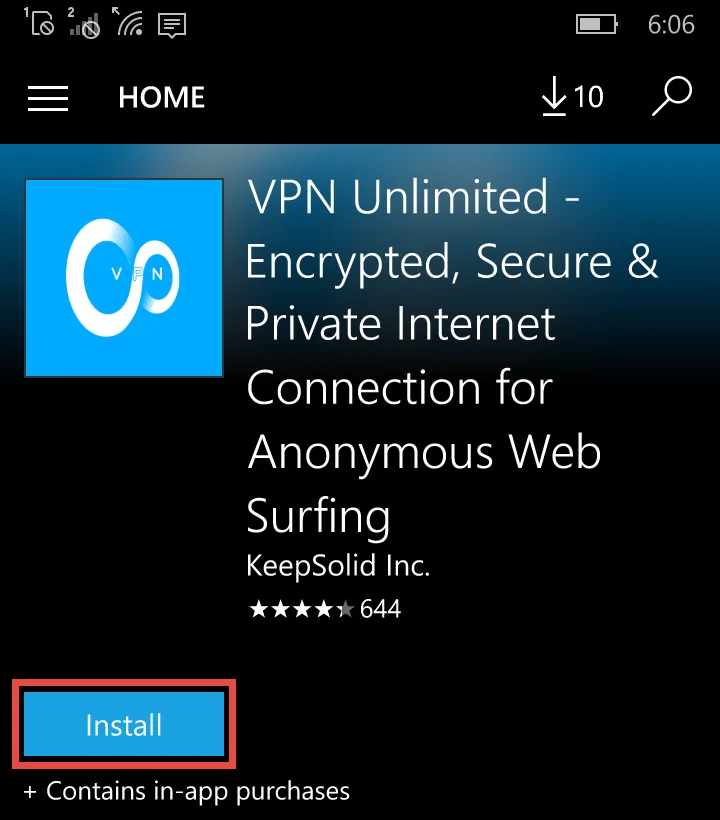
下载和安装过程将开始。
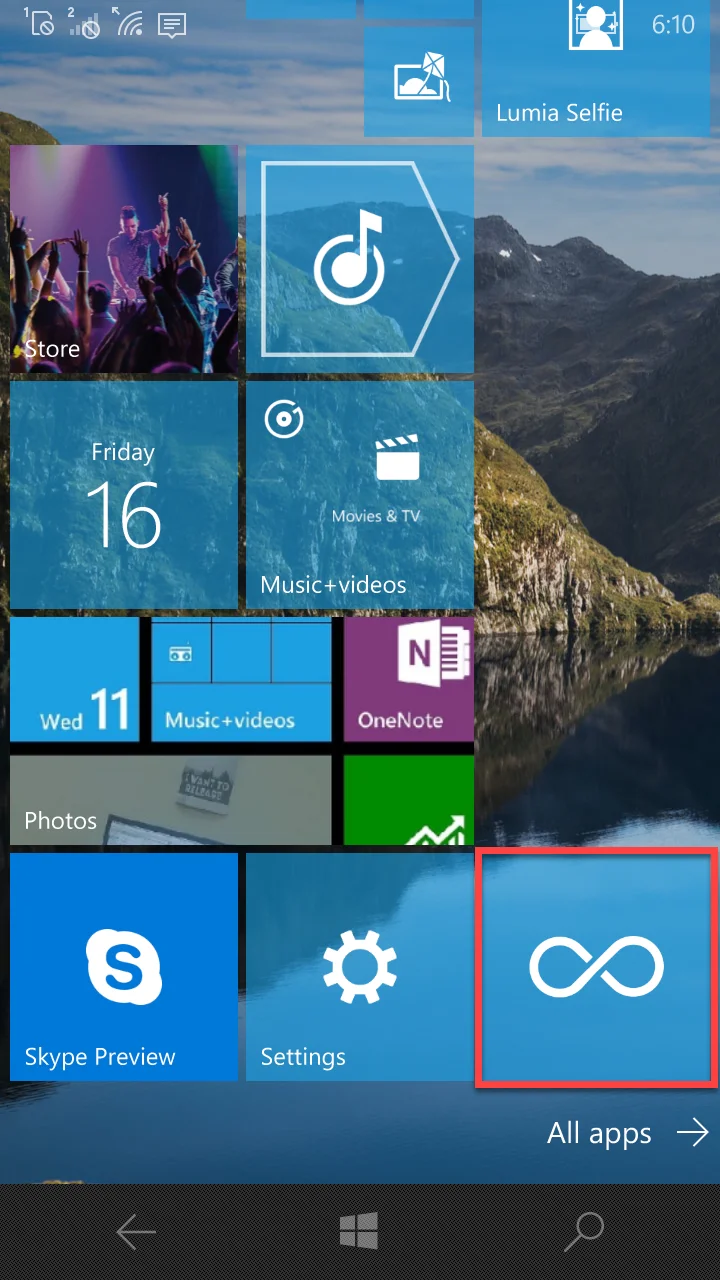
安装成功后,Windows Phone 屏幕上将出现 VPN Unlimited 图标。
Error 500 (Server Error)!!1500.That’s an error.There was an error. Please try again later.That’s all we know.
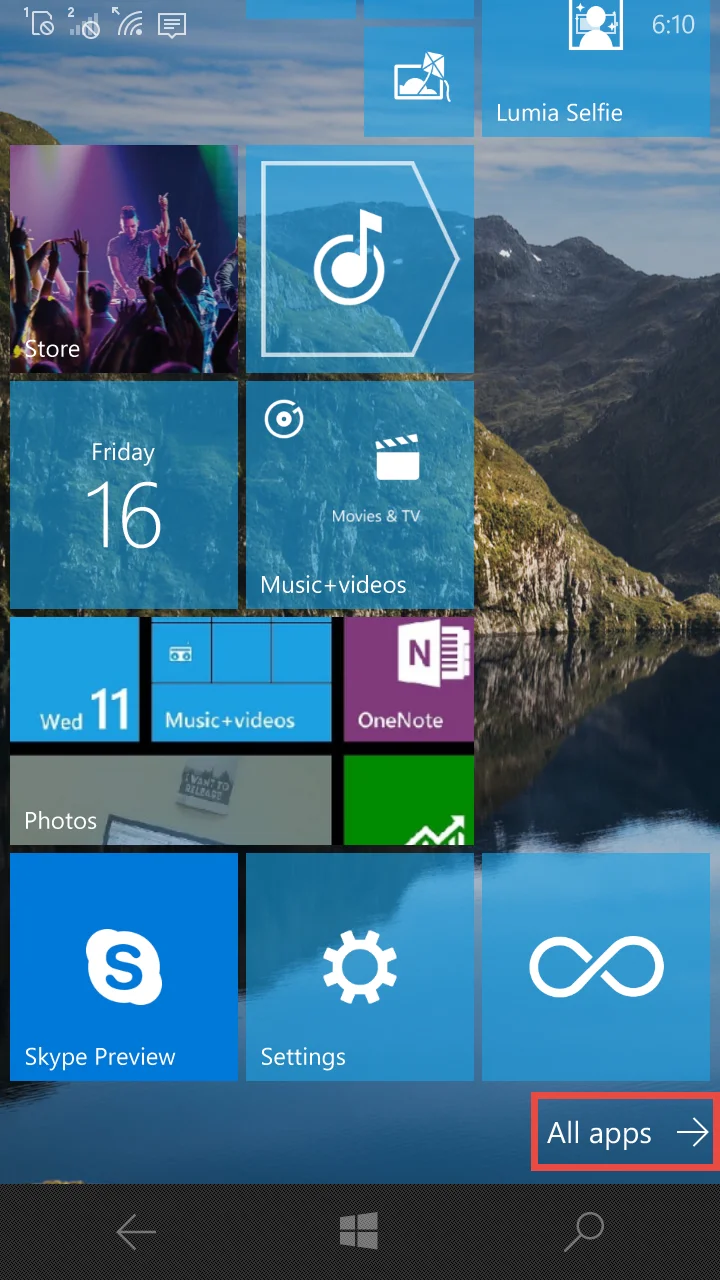
在您的 Window Phone 应用程序列表中找到 VPN Unlimited。
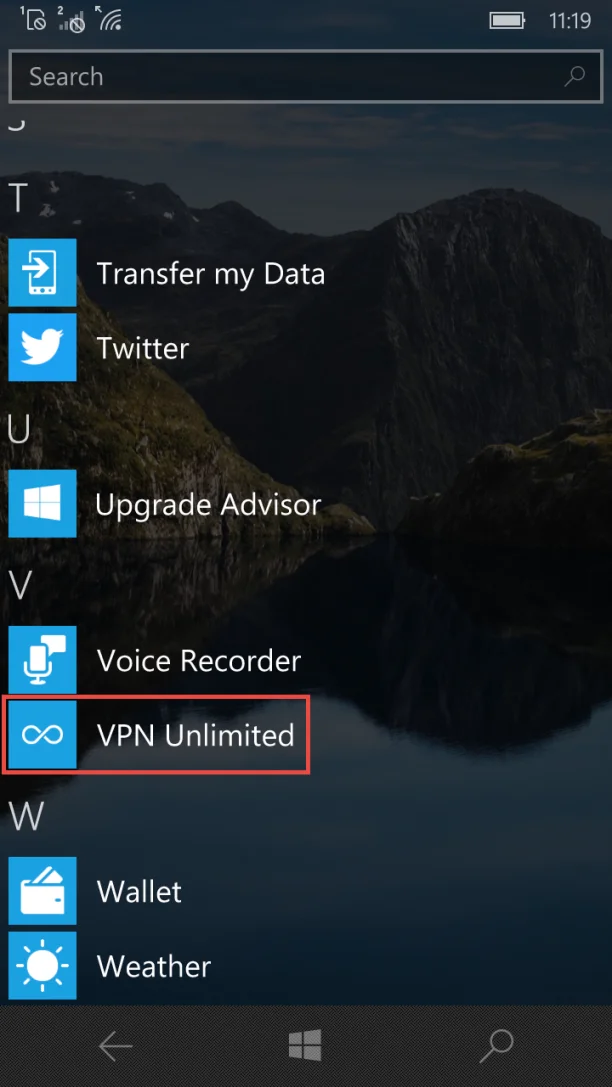
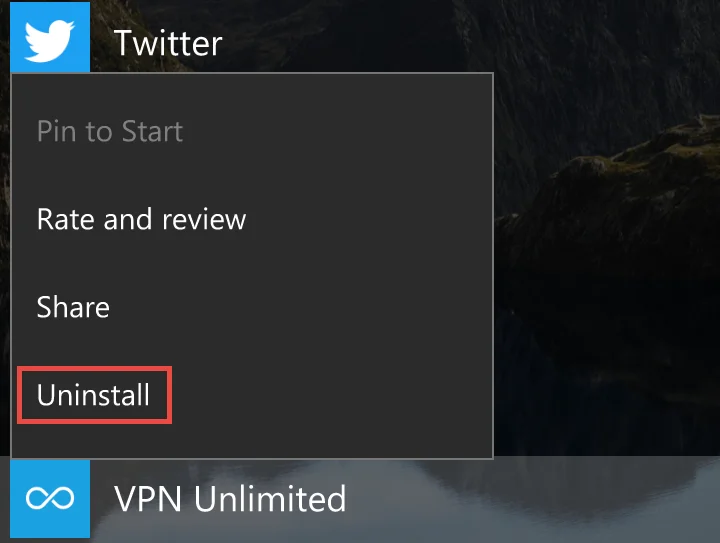
点击并按住VPN Unlimited应用程序图标,直到出现子菜单。
选择卸载。
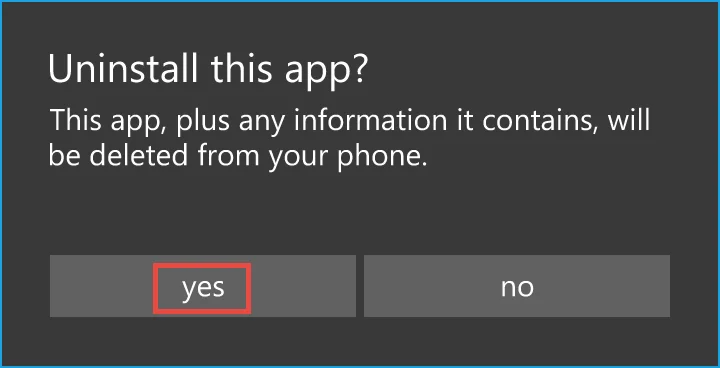
点击是以证明您希望从 Windows Phone 中删除 VPN 应用程序。
Error 500 (Server Error)!!1500.That’s an error.There was an error. Please try again later.That’s all we know.

在您的 Windows Phone 上下载我们可靠的 VPN 应用程序,让您免受网络犯罪分子、窥探者和黑客的攻击!
